
Recommended hardware
Recommended Receipt Printer
Print receipts from your Android phone or tablet with a compatible Bluetooth receipt printer.
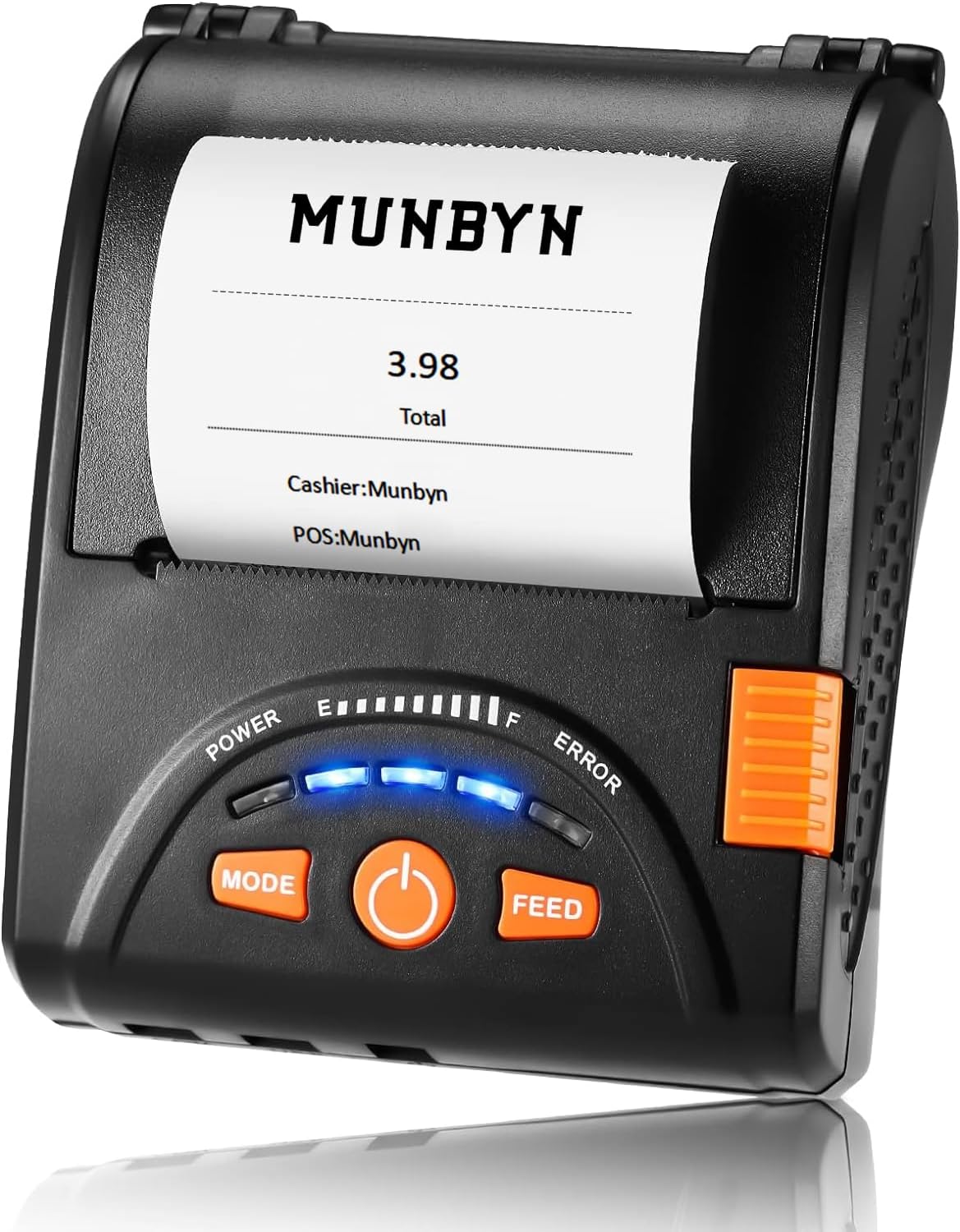
The printer we actually use
This is the Bluetooth receipt printer we use with Small Vendor POS. Check the linked listing for the current model details, paper requirements and power supply before ordering.
- Bluetooth connection to your Android device
- Print from the POS receipt screen
- Pair and test your setup before an event
Pair and select
- Turn on the printer and pair it in Android Bluetooth settings.
- In POS, open Manage → Settings → Receipt printer.
- Allow Nearby devices access if asked, then select the paired printer.
Print and check
Complete a sale, then tap Print Receipt on its receipt screen. Check the paper output before serving customers.
If printing fails, check power, paper, Bluetooth and the selected printer. Check for partial output before retrying. The in-app User Guide has more troubleshooting steps.
Want to better understand your numbers?
We're building simple accounting tools that follow the same practical, no-clutter approach.
View Planned Accounting Tools